EPC API Integration: Address Matching and Floor Area
Build a reliable EPC API integration using an address, postcode or UPRN, with practical guidance on matching, certificate dates and no-data cases.
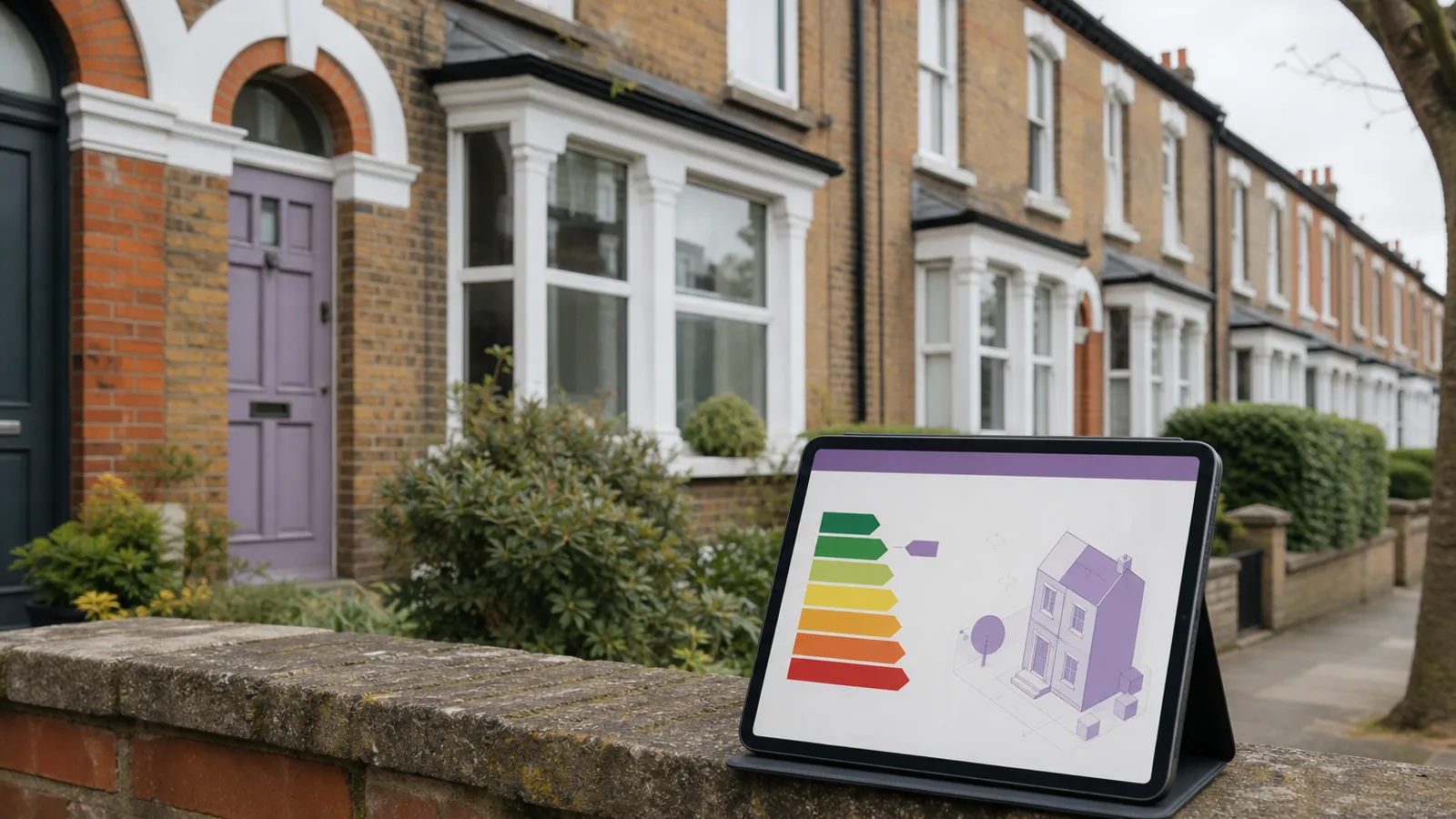
An EPC API integration can add far more than a coloured energy rating to property software. A domestic certificate may include total floor area, construction age, heating systems, insulation observations, current energy performance and potential improvements. Those fields can support an investment screen, an agent report or a retrofit journey.
The difficult part is not making the HTTP request. It is identifying the right property, choosing the relevant certificate and explaining that an EPC is a dated assessment rather than a live survey. A reliable integration handles those limits openly.
This guide covers the practical workflow using the Property Insights /epc/search endpoint, including postcode, address and UPRN searches.
What EPC data can add to a property product
An Energy Performance Certificate records an assessment made at a particular time. Depending on the certificate and property, useful fields can include:
- Current and potential energy-efficiency ratings.
- Current and potential environmental-impact ratings.
- Total floor area.
- Property type and built form.
- Estimated construction age band.
- Main heating system and fuel.
- Wall, roof, floor, window and insulation descriptions.
- Suggested improvement measures.
- Inspection and lodgement dates.
- Certificate reference and property identifiers.
These fields can reduce manual data entry and give users a consistent starting point. They should not be treated as proof that the building remains unchanged. A boiler can be replaced, an extension can be added and insulation can be improved after the assessor's visit.
The official Energy Performance of Buildings data service explains that its England and Wales data includes certificates registered since 2012 and may contain expired or replaced certificates. Your interface should therefore display the relevant dates, not just the rating.
Certificate data is not a live property survey
The most important product decision is how the result is described. "The latest available EPC records a floor area of 92 square metres" is accurate and traceable. "This property is 92 square metres" removes the source and date, making the claim stronger than the data supports.
An EPC floor area is especially useful for screening and comparison, but it can differ from a surveyor's measurement, a floor plan or a later conversion. Likewise, recommendations are generated for the assessed building at that time. They are not a quotation, retrofit design or guarantee of savings.
Good display copy includes:
- The certificate's inspection or lodgement date.
- A link or reference to the source where appropriate.
- A note when the certificate is expired.
- A distinction between recorded and calculated fields.
- A warning when no suitable certificate could be identified.
This is not excessive caution. It lets customers judge how much weight to place on the data.
Choosing the right search input
The Property Insights EPC API supports an address, postcode or UPRN workflow. The best input depends on what your application already knows.
Search by UPRN
Use a UPRN when the property has already been resolved and confirmed. It provides the strongest property-level key and avoids choosing between several addresses in a postcode.
curl --get "https://propertyinsights.co.uk/api/v1/epc/search" \
  -H "x-api-key: $PROPERTY_INSIGHTS_API_KEY" \
  --data-urlencode "uprn=100000000001"
The identifier is fictional. Never publish a customer's input in documentation or analytics examples.
Search by postcode and address
Use a full postcode plus address when a UPRN is not available. Include the flat number, building name and street details needed to distinguish the dwelling.
curl --get "https://propertyinsights.co.uk/api/v1/epc/search" \
  -H "x-api-key: $PROPERTY_INSIGHTS_API_KEY" \
  --data-urlencode "postcode=EX1 2AB" \
  --data-urlencode "address=12 Example Street"
The address narrows the postcode result set. Do not send an estate agent name, recipient name or listing description as part of the property address.
Search by postcode alone
A postcode search can be useful for an address picker or research interface, but it may return several certificates. It should not silently select the first record for a paid report or valuation.
If your user journey begins with free text, resolve the property first through the UPRN and address API, display the canonical address and then request the EPC by the confirmed identifier.
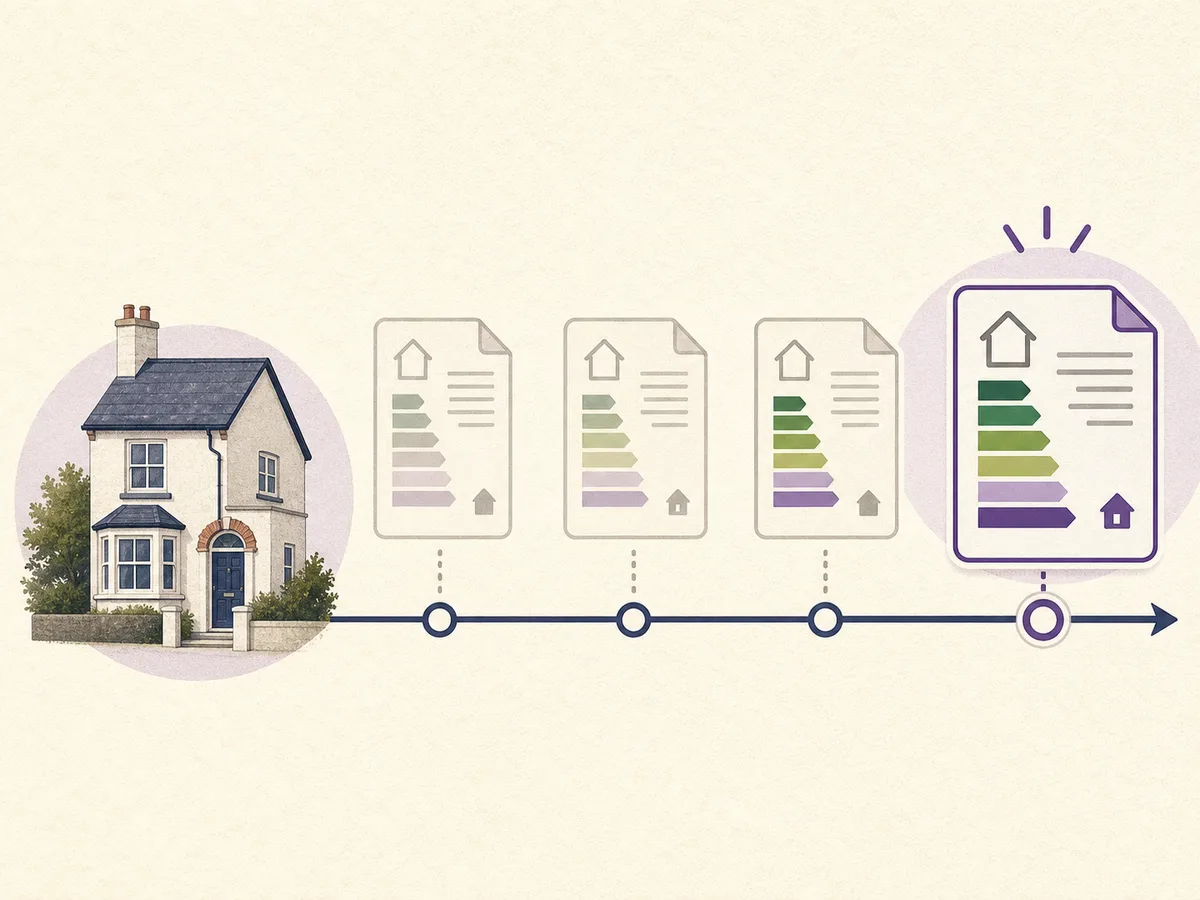
Resolve the property, inspect certificate dates and select the latest relevant record.
Selecting the relevant certificate
A property can have more than one certificate. That is expected, not necessarily a duplicate-data fault. A new certificate might be lodged after a sale, a letting, building work or energy improvements.
Use a documented selection rule:
- Match the confirmed UPRN where available.
- Otherwise compare the complete address, including the unit.
- Exclude records that clearly refer to another sub-building.
- Sort suitable certificates by inspection or lodgement date.
- Use the latest relevant record.
- Preserve the certificate date and identifier with the extracted fields.
Avoid merging values from different certificates into a synthetic current record. Taking the floor area from one certificate, heating system from another and rating from a third can produce a combination that never existed at one point in time.
If a product needs history, show each certificate as a dated snapshot. This can reveal genuine change, such as a better rating after insulation, without obscuring the source.
Useful EPC fields and how to present them
Energy rating
Show the current rating and potential rating separately. Potential performance usually assumes recommended improvements and is not a prediction that the owner will carry them out.
Total floor area
Label this as the area recorded on the certificate. State the unit, normally square metres, and do not silently convert to square feet without showing the conversion.
If floor area is the only field you need, the dedicated interior floor-area endpoint may provide a simpler contract for your application.
Construction and built form
Age band, property type and built form help users understand the assessed dwelling. Treat broad age bands as categories, not exact build years.
Heating and fabric
Wall, roof, window and heating descriptions can support a retrofit conversation. They are assessor observations from the certificate date, not a replacement for opening up the building or checking installed equipment.
Recommendations
Present recommendations as possible measures from the certificate. Do not turn indicative savings into guaranteed financial returns. Actual cost, suitability and consent requirements vary by building.
Handling no-data and expired-certificate cases
The API documentation states that no-data lookups return a 404 and are not charged. Your integration should treat this as a normal outcome rather than an application crash.
Useful customer messages include:
- "No EPC was found for the confirmed property."
- "We found certificates in this postcode, but none matched the selected flat."
- "The latest available EPC has expired. Its details are shown as historical information."
- "The EPC service is temporarily unavailable. Try again before relying on this section."
Do not replace missing data with a postcode average and label it as the property's rating. If you provide an area benchmark, put it in a separate section and describe the calculation.
An expired certificate can still be useful historical evidence, but the expiry must remain visible. A blank result may also be legitimate for a new build, an exempt property or an address that has changed. Give the user a route to correct the address rather than guessing.
Example server-side integration
Keep the Property Insights API key on your server. The browser should call your authenticated application route, and that route should validate the property the user is allowed to access.
export async function getEpcForProperty({ address, postcode, uprn }) {
  const search = new URLSearchParams()

  if (uprn) {
    search.set('uprn', uprn)
  } else {
    search.set('address', address)
    search.set('postcode', postcode)
  }

  const response = await fetch(
    `https://propertyinsights.co.uk/api/v1/epc/search?${search}`,
    { headers: { 'x-api-key': process.env.PROPERTY_INSIGHTS_API_KEY } }
  )

  if (response.status === 404) return { status: 'not_found' }
  if (!response.ok) throw new Error(`EPC request failed: ${response.status}`)

  return { status: 'found', result: await response.json() }
}
Validate address, postcode and uprn before constructing the request. Apply timeouts and log the endpoint status without logging the API key. If the response is cached, store the certificate date and retrieval time so stale data can be identified.
Product use cases
Estate agency reports
An agent can include the latest available rating, potential rating and recorded floor area in a reviewed property report. The certificate date should appear beside the figures. For a broader report workflow, see the Property Information Pack API.
Investment screening
An investor may use floor area and energy performance alongside sold evidence and asking price. EPC data provides context, not the final valuation. The property analysis endpoint combines several relevant sources.
Retrofit and landlord tools
Heating, fabric and recommendations can help structure an initial conversation about improvements. A product should still encourage a suitable assessment before work begins.
Portfolio data quality
UPRN-linked EPC records can identify missing or old certificates across a portfolio. Keep a separate status for "not found", "expired" and "current" instead of reducing every case to a single nullable rating.
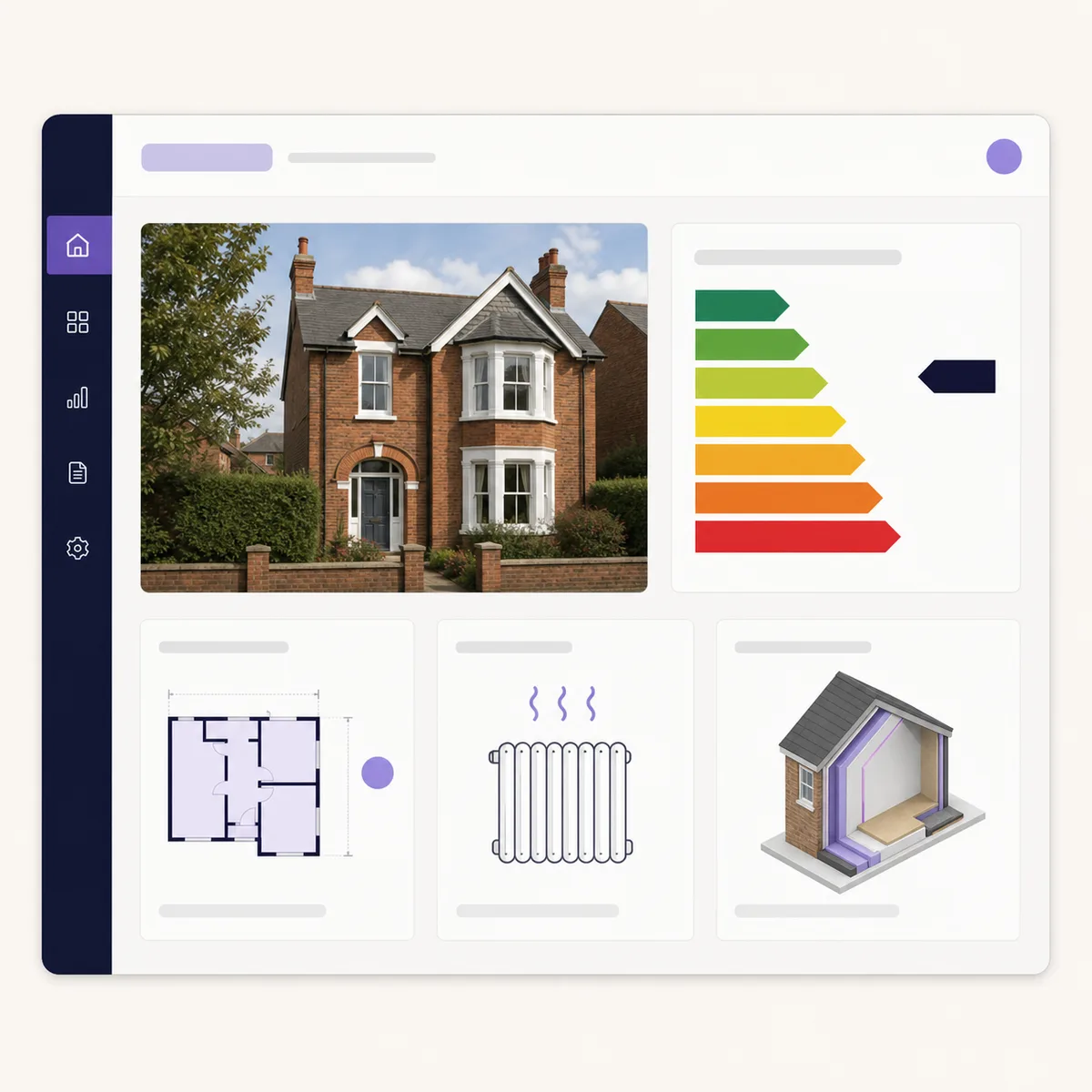
Energy and floor-area data are more useful when the certificate date and source remain visible.
Storage, refresh and attribution
Decide why data is being stored before copying the whole response into your database. If the application only needs the current rating and certificate date, storing every field creates unnecessary retention and update work.
At minimum, preserve:
- The confirmed property identifier.
- The certificate identifier.
- Inspection or lodgement date.
- The fields displayed to the user.
- Retrieval time.
- Source and licence information required by the provider.
Refresh when the business decision warrants it. A customer opening a report months later may need a current lookup, while an audit record should preserve what was known when the report was produced.
Review the official service's methodology and licensing restrictions before redistributing bulk certificate data. Access through an API does not remove the underlying licence conditions.
EPC API launch checklist
- Resolve the property by UPRN where possible.
- Preserve full flat and building details in address searches.
- Select the latest relevant certificate rather than the first result.
- Display inspection or lodgement date.
- Label floor area as certificate-recorded data.
- Separate current and potential ratings.
- Handle 404 no-data responses as a normal state.
- Keep the API key on the server.
- Store source and retrieval details.
- Test flats, new builds, expired records and upstream failures.
Frequently asked questions
Can an EPC API return floor area?
Many domestic EPC records contain total floor area. Treat it as a measurement recorded for the certificate, not as a current survey measurement.
Is the newest certificate always correct?
It is usually the most relevant starting point, but the address or UPRN must still match the selected dwelling. Check unit details before selecting it.
What should my app do when there is no EPC?
Show a clear no-data state and let the user check the address. Do not invent a property rating from neighbouring homes.
Can I use EPC data to guarantee renovation savings?
No. Certificate recommendations and indicative figures are not quotations or guarantees. Building condition, prices and installed measures need separate checks.
Should I call the API from the browser?
No. Route the request through your server so the API key is not exposed and your normal account authorisation can be applied.
An effective EPC integration is traceable, not merely fast. Read the EPC API documentation, test several difficult address types and make the certificate date part of every customer-facing result.
Property data, one integration
Build with UK property data
Browse our APIs for valuations, sold prices, EPCs, crime, schools, ownership and more.