Council Tax API UK: From Postcode to Property-Level Band
Understand UK Council Tax API workflows for authority rates, property-level bands, address candidates, tax years and country-specific coverage.
A postcode can tell you which billing authority serves an area, but it usually cannot tell you the Council Tax band for one specific home. A single postcode may contain houses in several bands, flats created at different dates and properties with addresses that do not match cleanly between sources.
A useful Council Tax API UK integration therefore separates three questions:
- Which billing authority applies?
- What are that authority's rates for the selected tax year?
- Which band belongs to the confirmed property?
Keeping those questions separate prevents a common product error: showing all local band rates and implying one of them is the selected home's actual bill.
Council Tax rates, bands and bills are different data
A Council Tax band is assigned to a dwelling through the relevant valuation list. The billing authority then publishes annual charges for the bands it administers. A household's final amount can differ because of discounts, premiums, exemptions, support or local circumstances.
For that reason, an application should use precise labels:
- Property band: the band associated with the selected dwelling.
- Authority rate: the published annual charge for a band and tax year.
- Indicative annual charge: the property band joined to the corresponding authority rate.
- Household bill: the amount actually payable after account-specific adjustments.
The API can support the first three. It cannot know every household adjustment from a property address alone. Do not label a standard rate as "your bill".
The official GOV.UK Council Tax service lets people check bands for homes in England and Wales. Property software can make the same information more useful by joining it to a confirmed property workflow, while keeping the source and tax year visible.
The five Council Tax API workflows
The Property Insights Council Tax documentation describes five endpoints. Each answers a different question.
| Endpoint | Purpose |
|---|---|
/council-tax/lookup | Get band rates and the billing authority for a postcode |
/council-tax/property-lookup | Resolve the band and rate context for a specific England or Wales address |
/council-tax/property-candidates | Return candidate VOA address strings for a postcode |
/council-tax/authorities | Search billing authorities by name, code, nation or category |
/council-tax/authority-lookup | Retrieve rates for a known billing authority and tax year |
Do not collapse them into one overloaded browser form. A consumer affordability tool may need postcode and property lookup. A back-office rates table may only need authority search and authority lookup.
Start with the authority-level postcode lookup
When the user has entered only a postcode, request the authority and its full band table.
curl --get "https://propertyinsights.co.uk/api/v1/council-tax/lookup" \
  -H "x-api-key: $PROPERTY_INSIGHTS_API_KEY" \
  --data-urlencode "postcode=EX1 2AB" \
  --data-urlencode "taxYear=2026-27"
This is useful for showing the local range or starting an affordability calculation. It is not a property-level result. The application should say "Council Tax rates for the billing authority" until a dwelling has been matched.
Always send the tax year when reproducing a saved calculation or client report. If the current year is allowed to default, store the resolved year with the result. Otherwise, a report regenerated after April could show a different amount without an obvious reason.
Resolve a specific property band
For a property-level result, send the postcode and the most complete identifying address available.
curl --get "https://propertyinsights.co.uk/api/v1/council-tax/property-lookup" \
  -H "x-api-key: $PROPERTY_INSIGHTS_API_KEY" \
  --data-urlencode "postcode=EX1 2AB" \
  --data-urlencode "address=Flat 4, Example House, Sample Street" \
  --data-urlencode "taxYear=2026-27"
Include the flat, building and street information. Do not send a customer name, agent name or listing description. Property address matching works best with property-identifying content only.
Before a paid report or downstream decision, show the matched canonical address and band. A user should be able to correct Flat 4 versus Flat 14 before the value becomes part of an affordability calculation.
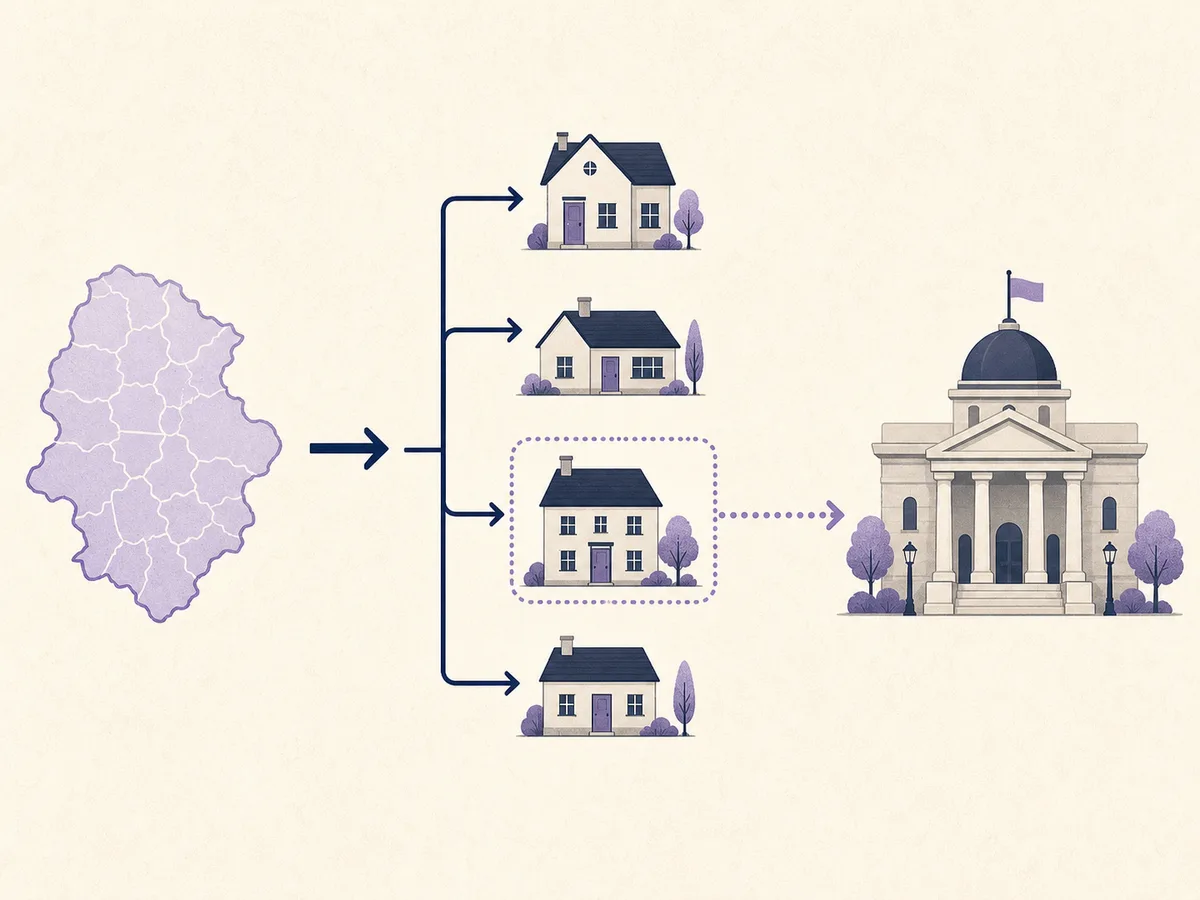
A postcode identifies the area; a complete address is needed to select the dwelling.
Use candidate addresses for difficult postcodes
Blocks of flats, converted houses and named buildings can make free-text matching uncertain. The property-candidates endpoint can provide address strings for an England or Wales postcode so the user can select the exact dwelling.
A safe user journey is:
- Validate and format the postcode.
- Retrieve property candidates.
- Display the complete candidate addresses.
- Let the user select one.
- Send that address to the property lookup endpoint.
- Display the matched band, authority and tax year.
This is preferable to choosing the first property returned for the postcode. Candidate selection also makes corrections easier: the customer can see immediately when a unit is missing.
Keep the original input and selected candidate in your audit record. If a user later questions a report, you can establish which property was chosen without storing unrelated form data.
England, Wales and Scotland coverage
Country differences need to appear in product behaviour, not only in small-print documentation.
The Property Insights documentation states that property-level band candidates and lookups are supported for England and Wales. Scottish property-level bands require Scottish Assessors data, so those property endpoints return a country-unsupported error for Scottish postcodes. Authority-level Scottish rates remain available through the general lookup workflow.
That means your interface should:
- Detect the supported country from the response.
- Avoid presenting a Scottish authority rate as a confirmed property band.
- Explain which information is available.
- Offer an appropriate official route when a property-level result is required.
Do not hide unsupported coverage behind an empty field. "Property-level band lookup is not available for this Scottish address" is clearer than a blank band that looks like missing data.
Handling flats, new builds and unmatched records
Flats
Preserve the flat number, building name and street. If several candidates look similar, require an explicit selection. Never infer the band from another flat in the building.
New builds
A newly occupied home may not yet appear in every source. Show a pending or not-found state and encourage verification with the billing authority. Do not assign the most common local band as a substitute.
Changed addresses
Developments can be renamed and streets can be renumbered. If the current address does not match, let the user try the prior building name or select from candidates. Keep any displayed historic address clearly tied to the source.
Mixed-use buildings
The residential dwelling and commercial premises may follow different tax systems. Confirm that the selected candidate is the home, not the shop or office at the same location.
Tax-year updates and caching
Council Tax rates change by financial year. A cache key that uses only the postcode will eventually serve the wrong year's values.
Include at least these values in the cached record:
- Authority code.
- Tax year.
- Retrieval time.
- Published band rates.
- Property band where separately resolved.
- Source status or warning.
Authority rate tables can be cached for an appropriate period because they are shared across many properties. Property matches should be cached only in line with the data provider's terms and your correction process.
When April arrives, do not overwrite historic report data. Preserve the rate used for the original report and request the new year for current views. This distinction makes saved affordability calculations reproducible.
Product display guidance
Council Tax is often presented as one number beside mortgage and utility estimates. That compact view is helpful, but it should not erase meaning.
A clear result includes:
- Confirmed property address.
- Band.
- Standard annual authority rate.
- Tax year.
- Billing authority name.
- Monthly equivalent labelled as a calculation, if shown.
- A note that discounts, premiums and support can change the actual bill.
If the band cannot be confirmed, show the authority's band table separately. Avoid highlighting one value in a way that implies a match.
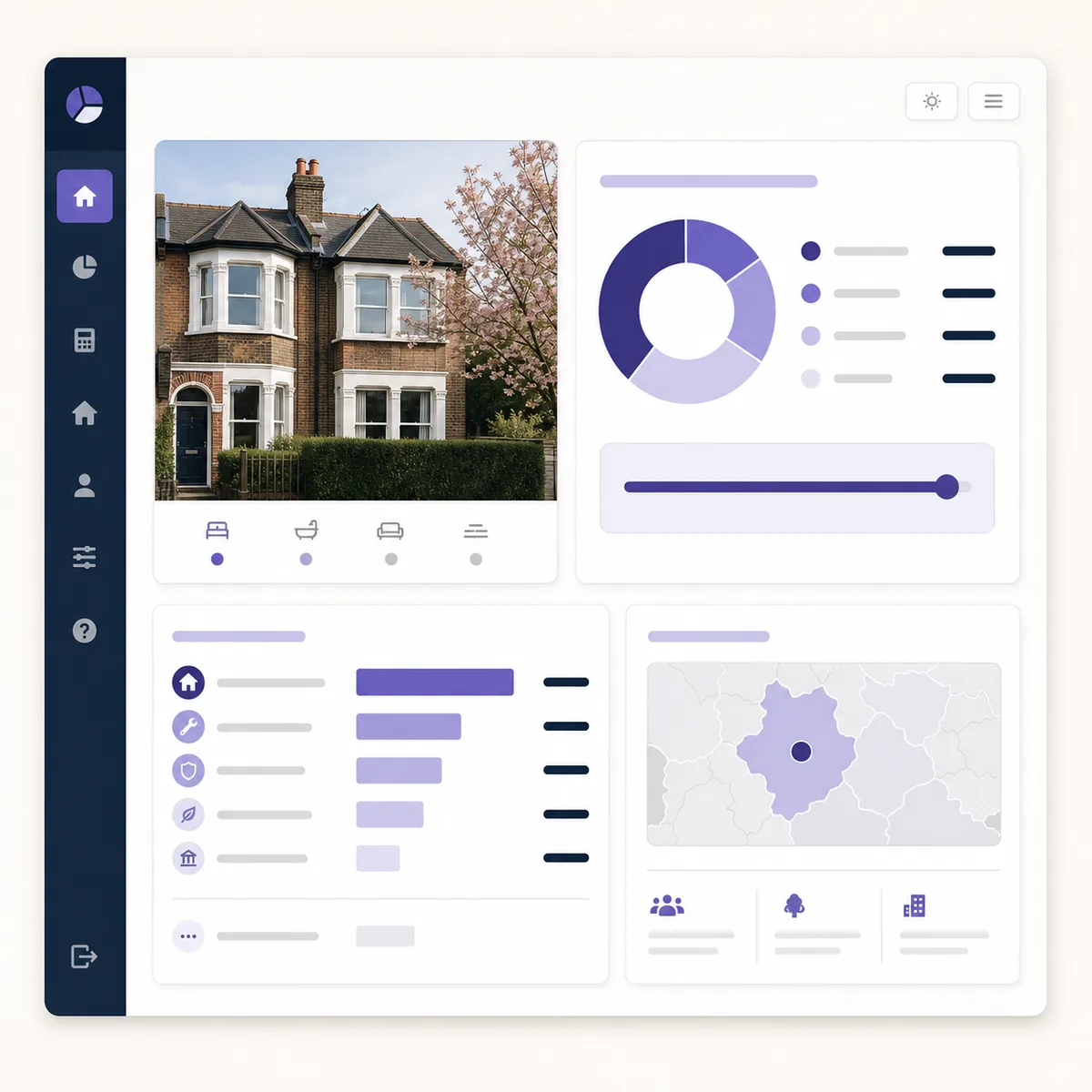
Property-level band, authority rate and tax year should remain visible in an affordability view.
Where Council Tax data fits in a wider workflow
Council Tax is most useful when joined to confirmed identity and other dated property records.
An estate agent report might combine:
- Canonical address and UPRN.
- Latest EPC rating and certificate date.
- Property-level Council Tax band and standard rate.
- Recent sold evidence.
- Modelled valuation with a confidence range.
- Schools, crime and area context.
The Property Information Pack API can assemble selected sections into a private branded PDF. For an interactive product, the property analysis endpoint offers a consolidated starting point.
Keep facts and estimates visually separate. A band is a sourced property record; a valuation is a modelled estimate; a monthly Council Tax value is a calculation from an annual standard rate.
Security and operational checks
Keep the API key on the server. Validate postcodes and limit address length before making the upstream request. Apply user authorisation before returning saved property results.
Monitor:
- Lookup success and no-match rates.
- Candidate-selection abandonment.
- Unsupported-country responses.
- Cache hits by tax year.
- Upstream latency and failures.
- Customer corrections to matched addresses.
A sudden fall in match rate can indicate a source change, an address-normalisation regression or an incorrect request field. Aggregate monitoring is more useful than storing complete customer addresses in every log line.
Council Tax API checklist
- Distinguish authority rates from a confirmed property band.
- Include the tax year in requests, storage and display.
- Use complete unit and building details.
- Offer candidate selection for ambiguous postcodes.
- Explain England, Wales and Scotland coverage.
- Preserve historic report rates rather than replacing them.
- Label monthly amounts as calculations.
- State that household adjustments can change the actual bill.
- Keep credentials on the server.
- Test flats, new builds, unsupported countries and no-match cases.
Frequently asked questions
Can a postcode tell me the exact Council Tax band?
No. It can identify the billing authority and local rate table, but several properties in the postcode may have different bands. Use a complete property address for a property-level lookup.
Why does the tax year matter?
Authorities publish new charges for each financial year. A band stays tied to the dwelling, while the standard amount payable for that band can change.
Does the API return the household's final bill?
It returns property and authority data. Discounts, premiums, exemptions and support depend on household or account circumstances and may change the actual bill.
What should happen when a new build is not found?
Show a clear unconfirmed state and direct the user to verify the property with the billing authority. Do not estimate a band from neighbouring homes.
Start by deciding whether your feature needs an authority table or a confirmed property band. Then review the Council Tax API documentation and test the difficult address cases before publishing amounts to customers.
Property data, one integration
Build with UK property data
Browse our APIs for valuations, sold prices, EPCs, crime, schools, ownership and more.